All Images
Introduction
Figure 1
Figure 2
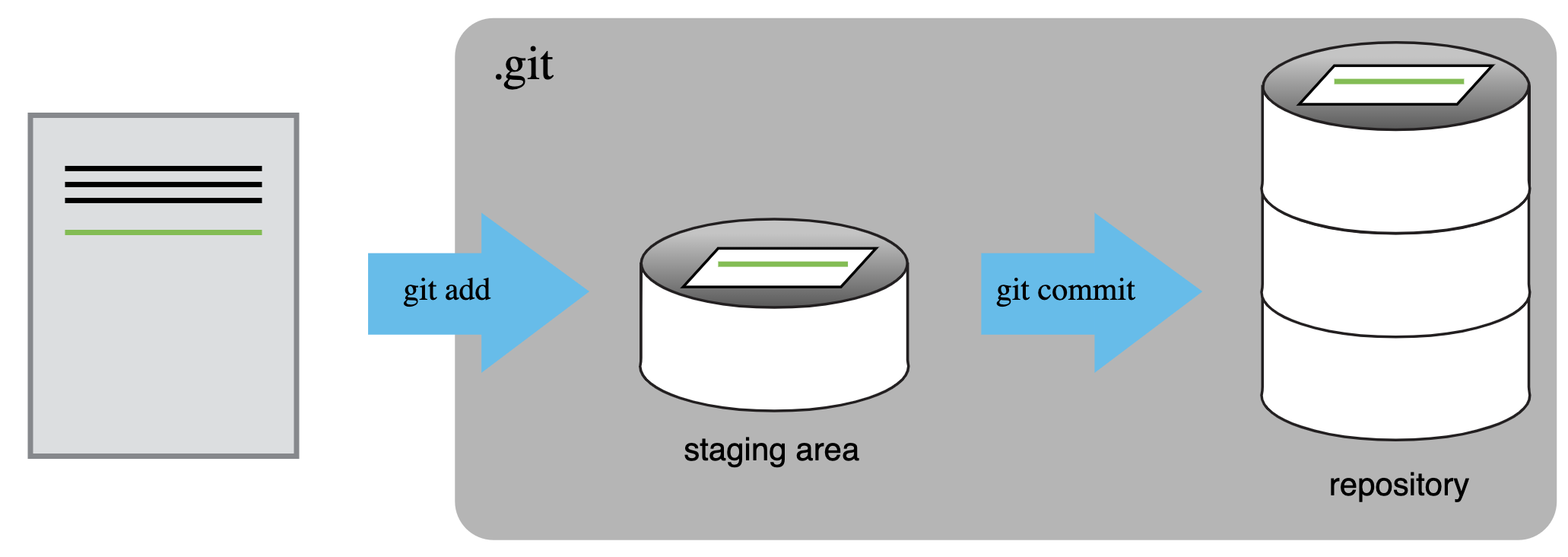
Staging Area
Figure 3
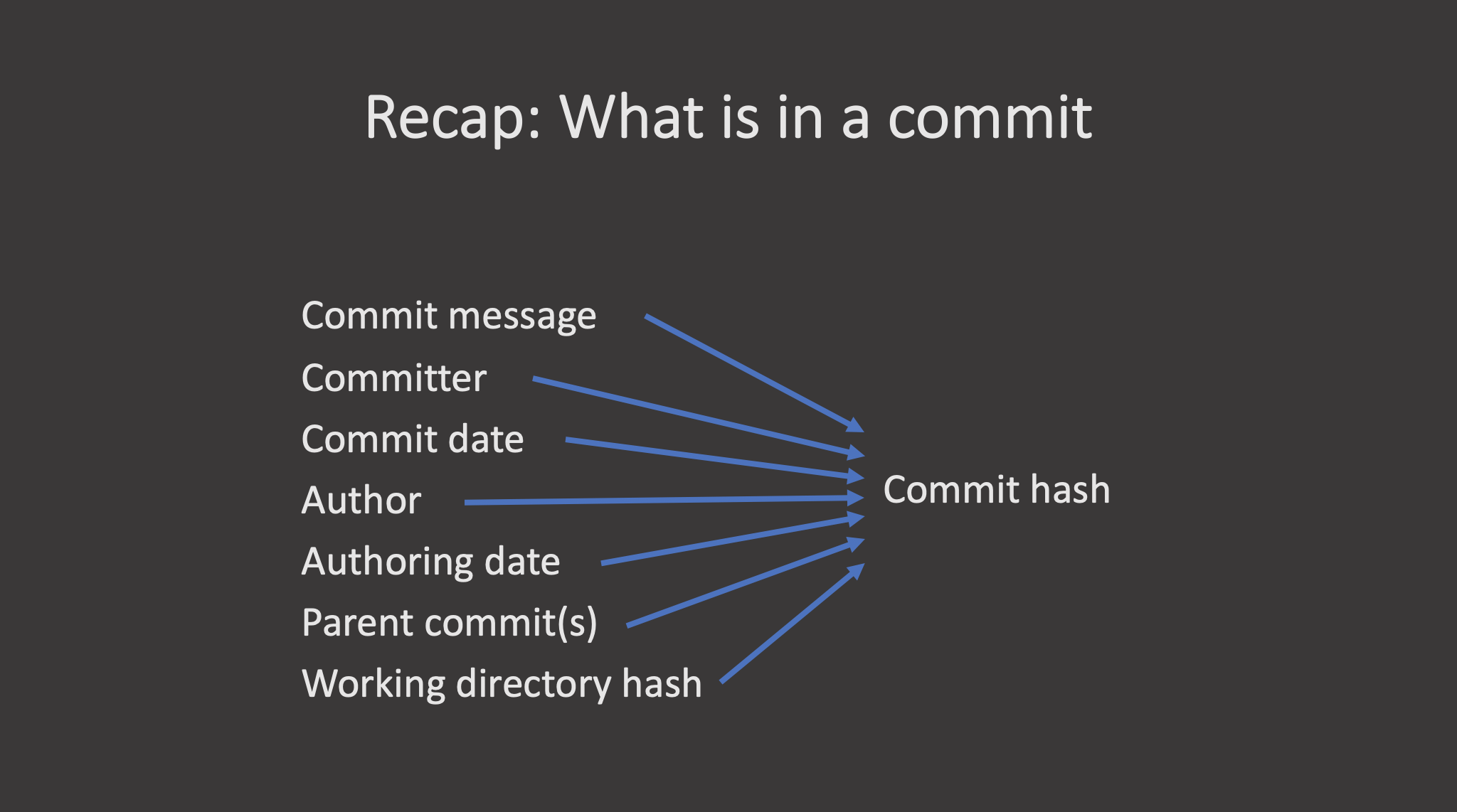
What is in a Commit
Figure 4
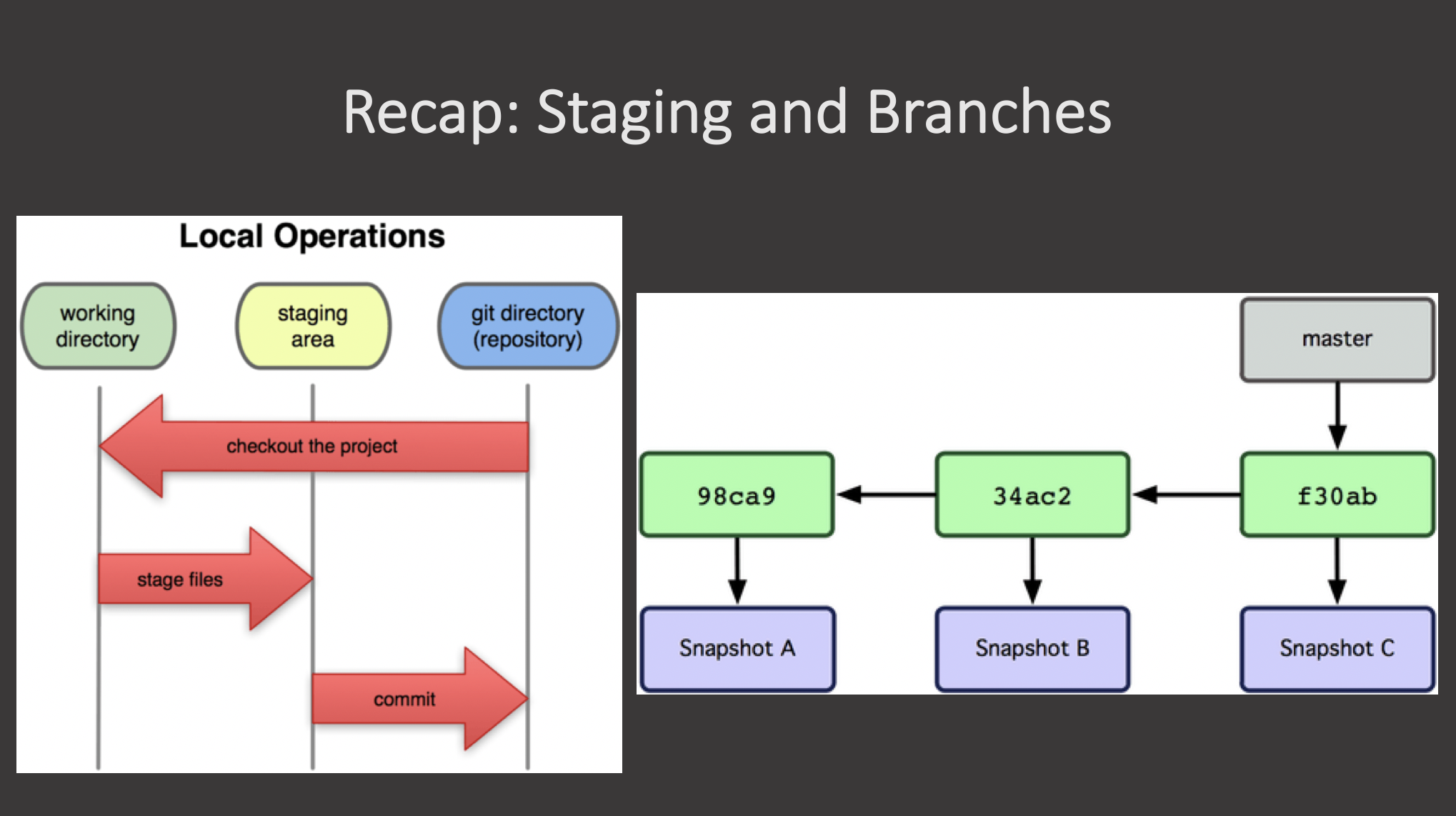 {alt =“A diagram showing
alternate diagrams for understanding the working directory, staging
area, and repository in git, as well as commits on a branch.”}
{alt =“A diagram showing
alternate diagrams for understanding the working directory, staging
area, and repository in git, as well as commits on a branch.”}
Branches
Figure 1
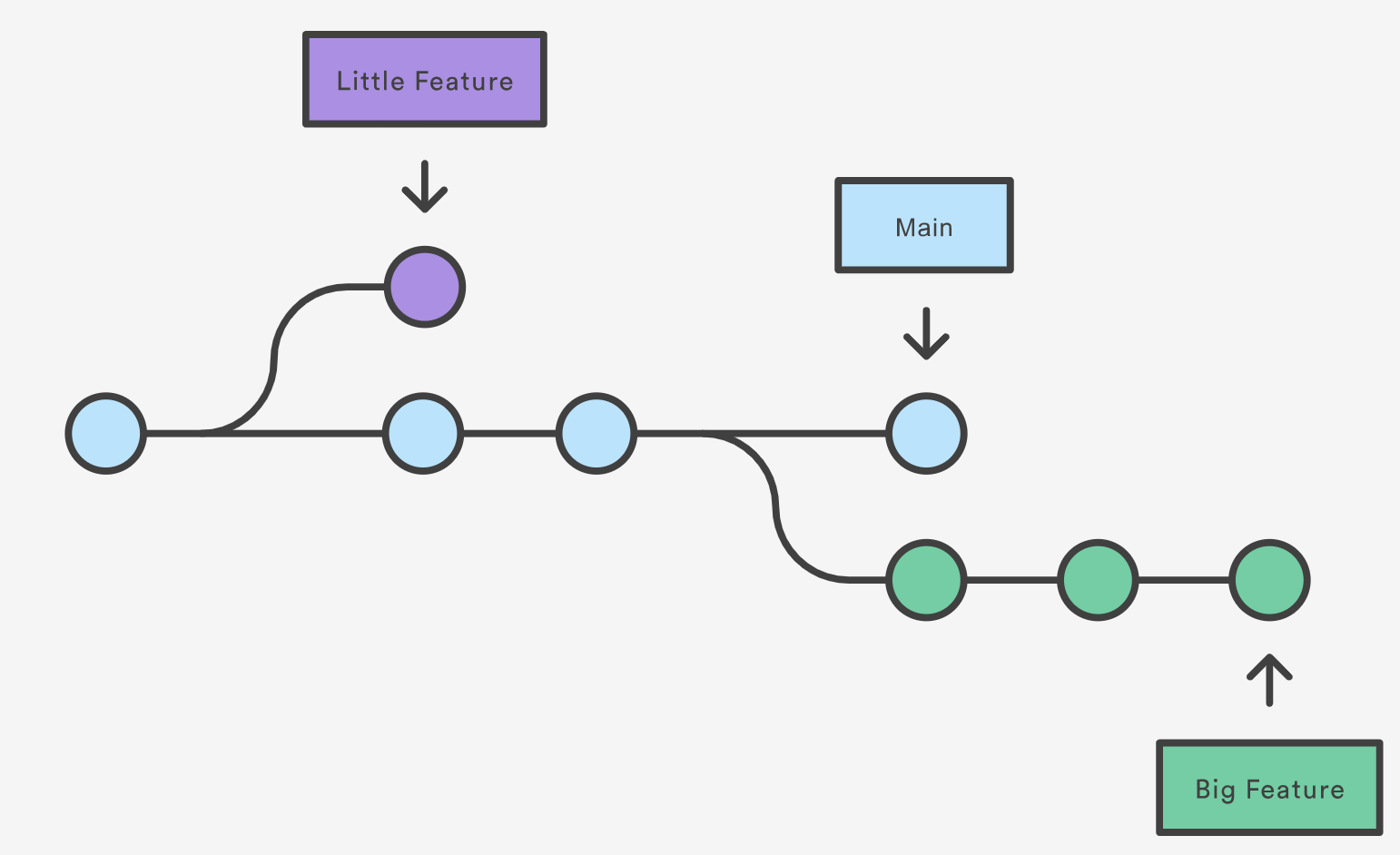
Git Branching: An example of how branches of a
repository are based on each other and evolve over time. (Source: Atlassian
Git Tutorial)
Figure 2
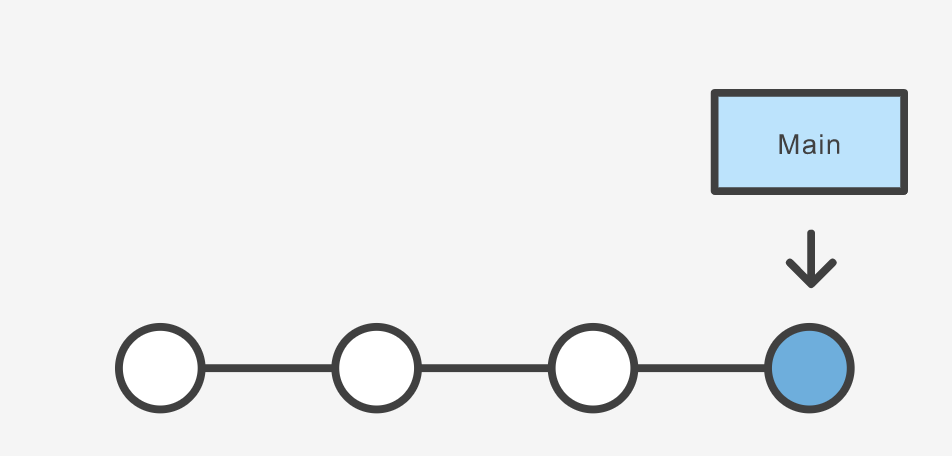
Git Branching: A branch is just a “named
pointer” to a commit. (Source: Atlassian
Git Tutorial)
Figure 3
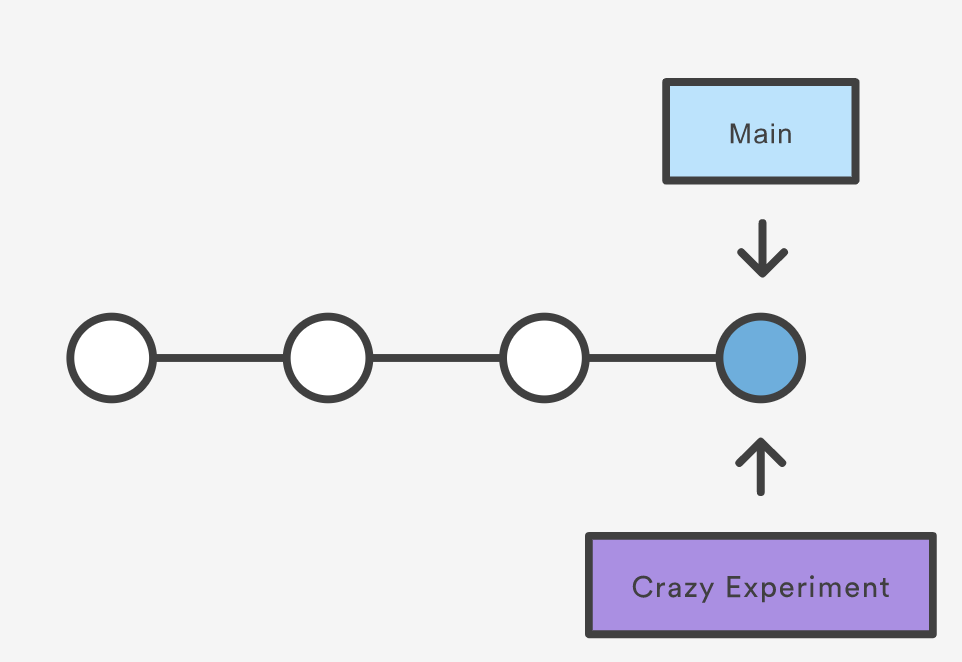
Git Branching: The new branch is pointing to the
same commit from which it was branched off. (Source: Atlassian
Git Tutorial)
Remote Repositories
Figure 1
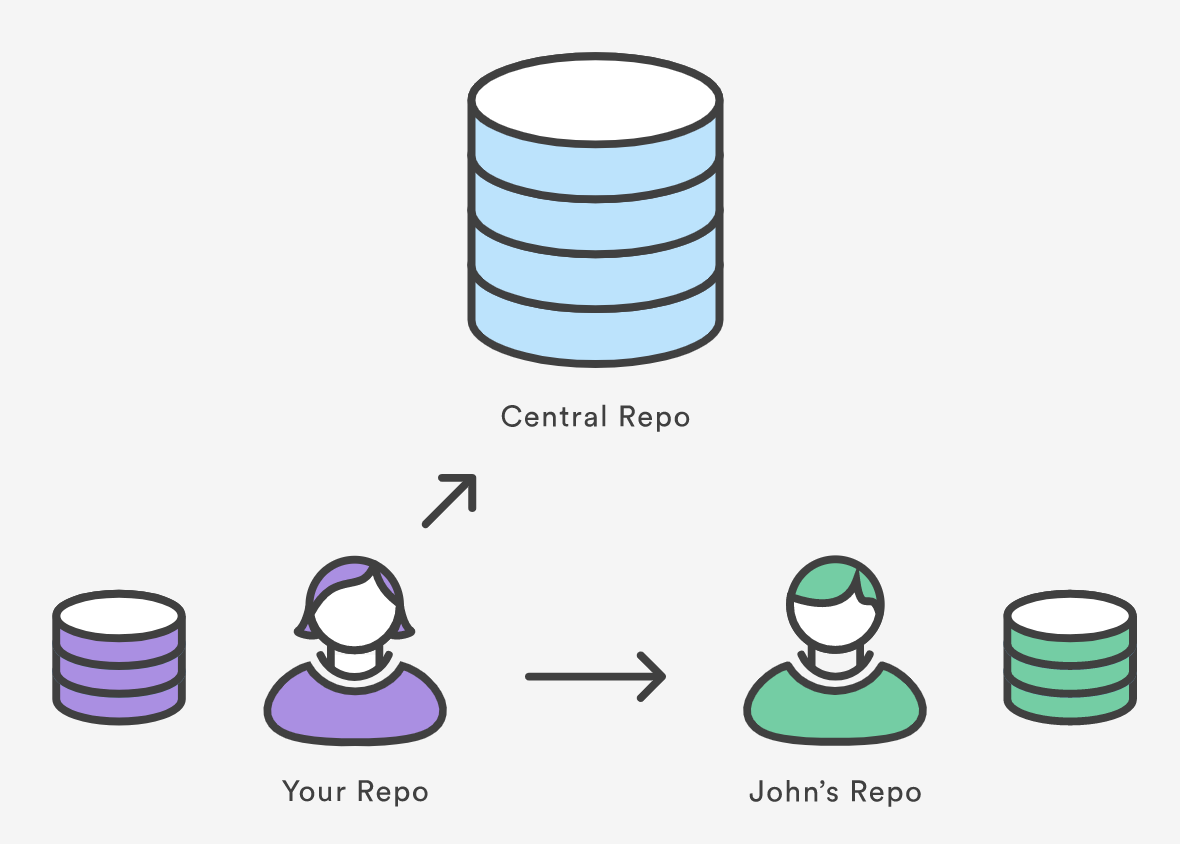
Remote Schematic
Undoing Changes
Figure 1
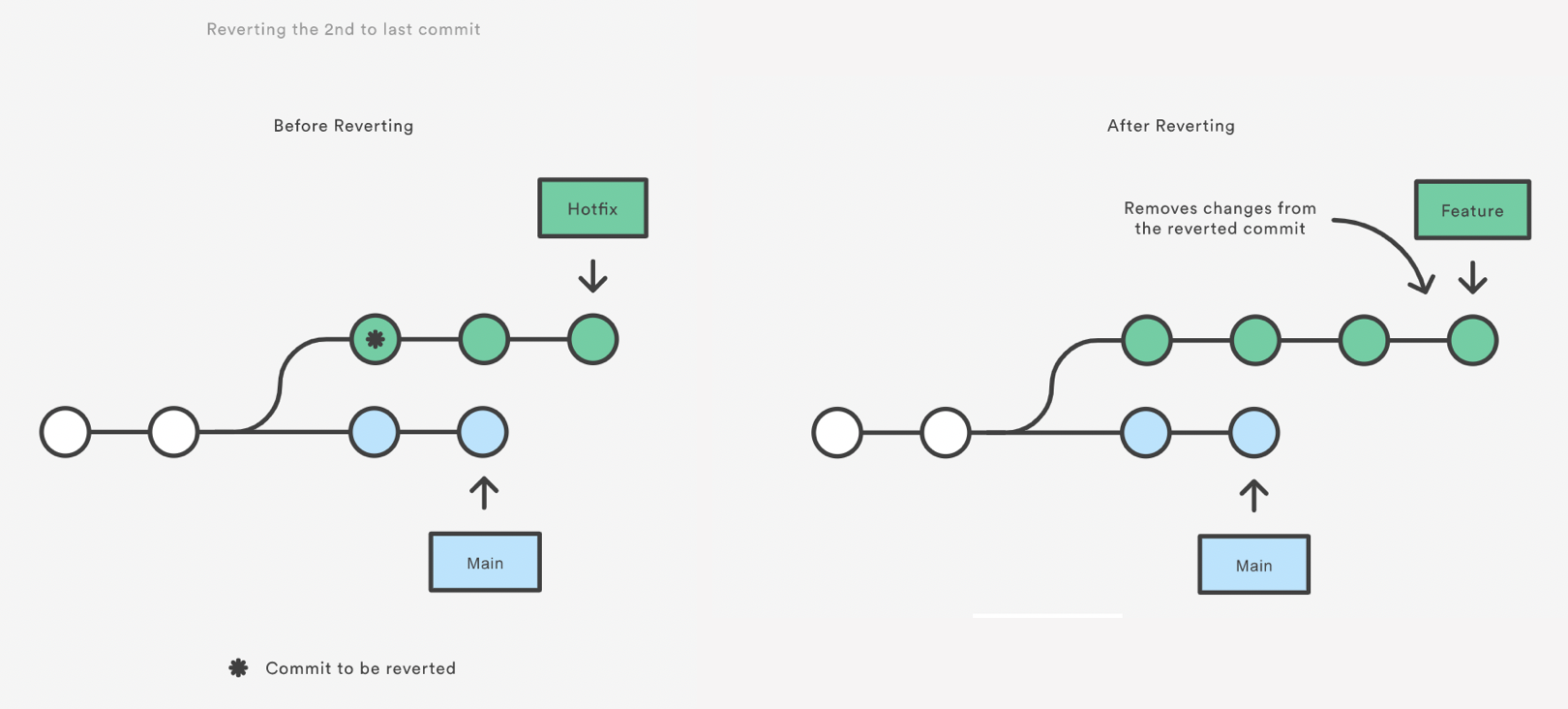
git revert
Figure 2
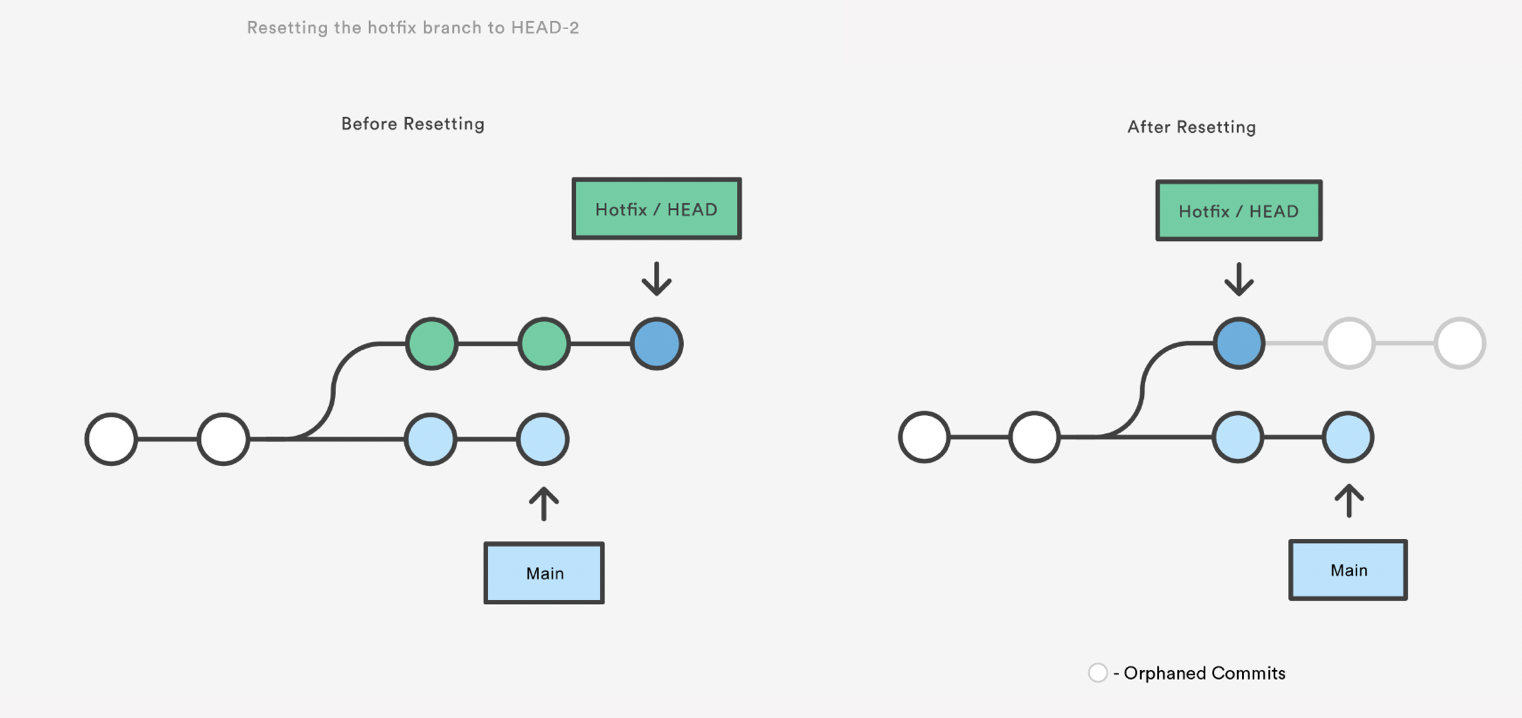
git reset
Figure 3
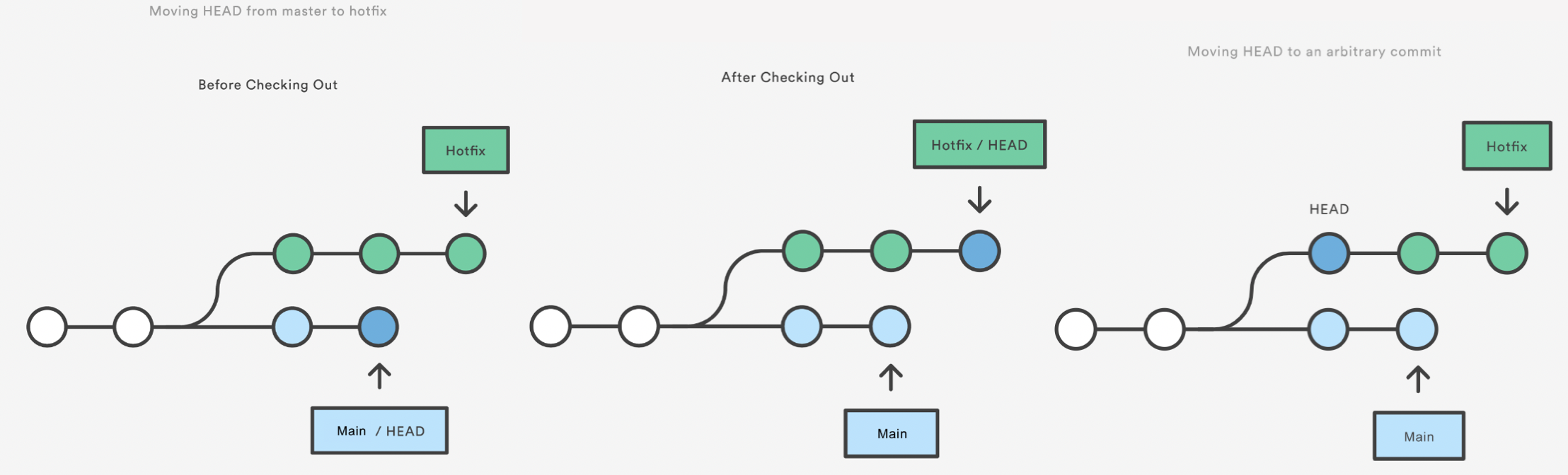
git checkout
Merging
Figure 1
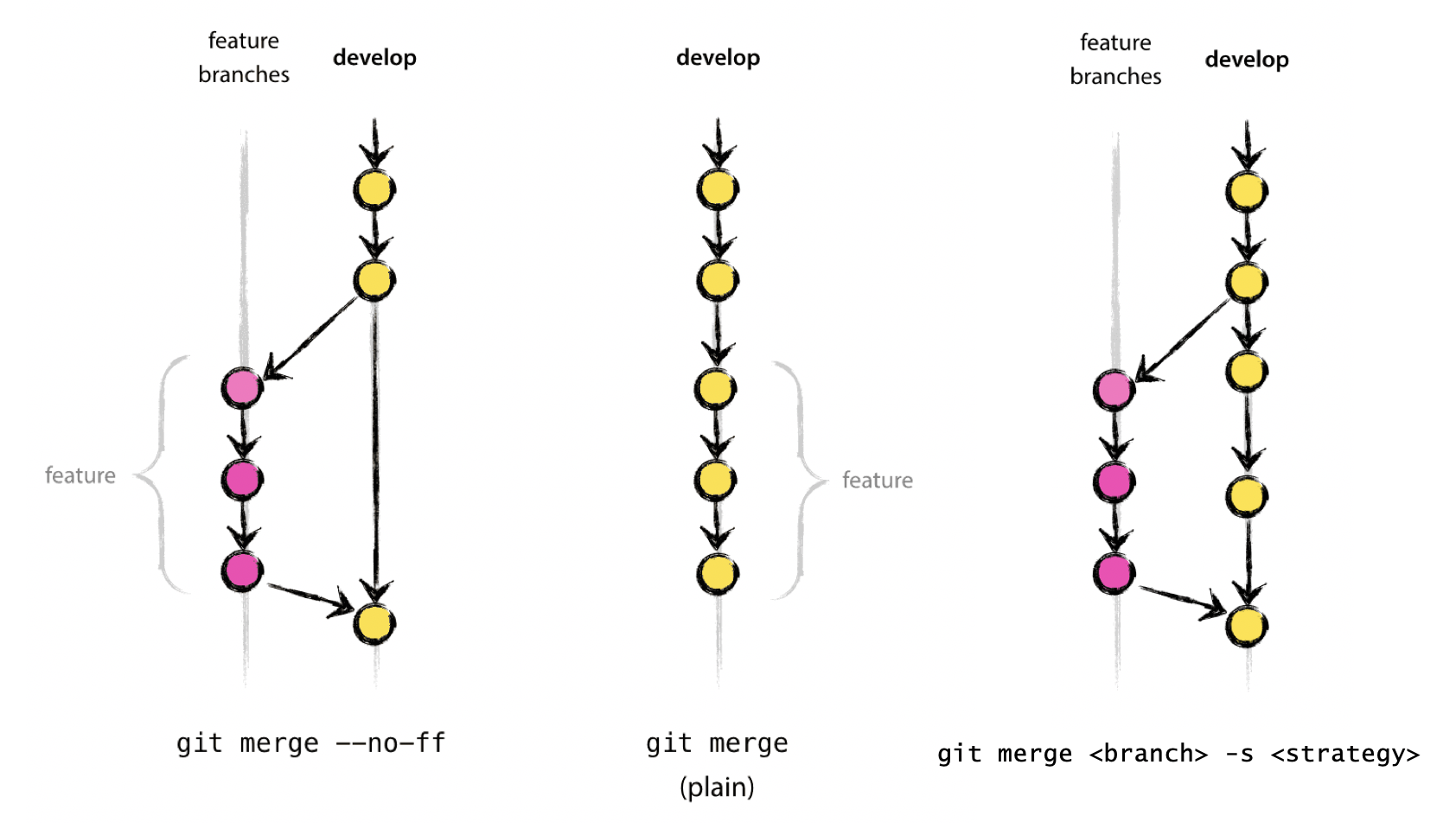
Merging diagram.
Branching Models
Forking Workflow
Figure 1

Forking Workflow
Figure 2

Screenshot of the button array in the top right
corner of the Github interface with the fork button highlighted.
Figure 3

Screenshot of the button array in the top right
corner of the Gitlab interface with the fork button highlighted.
Data Science Workflow
Figure 1
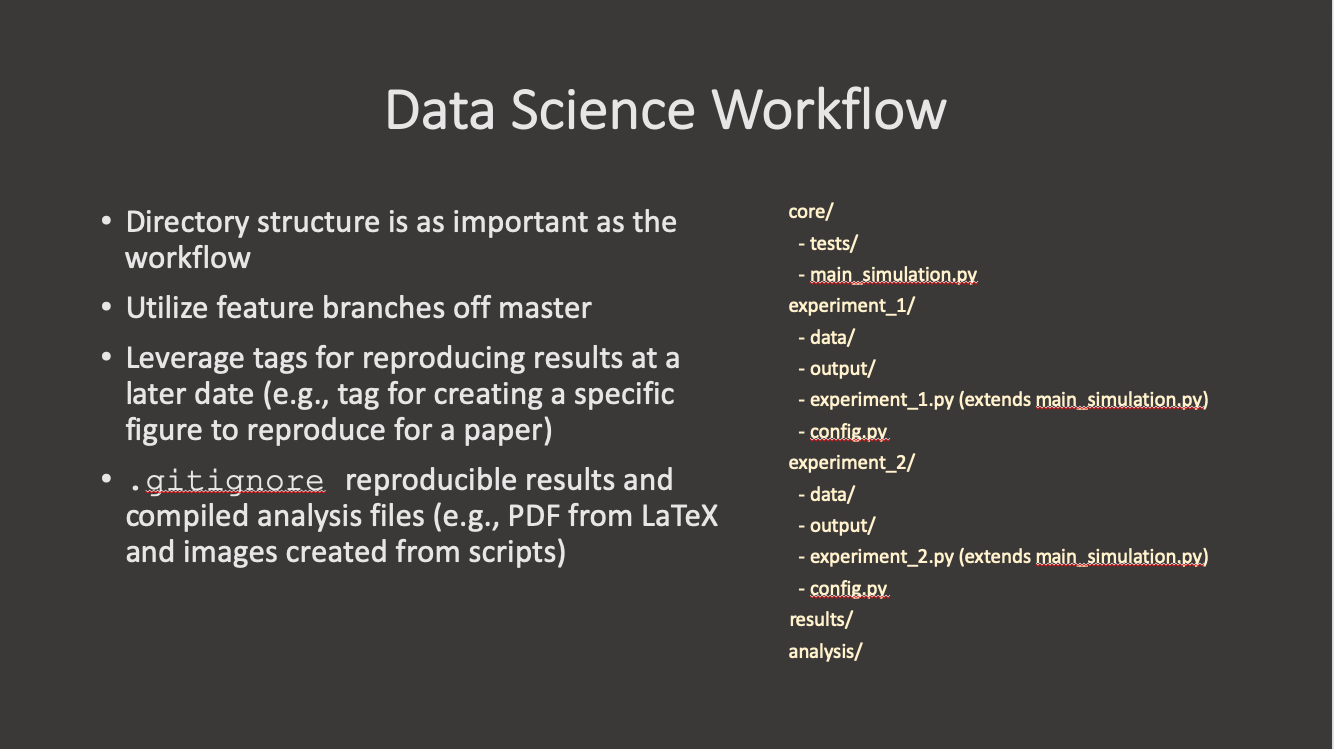
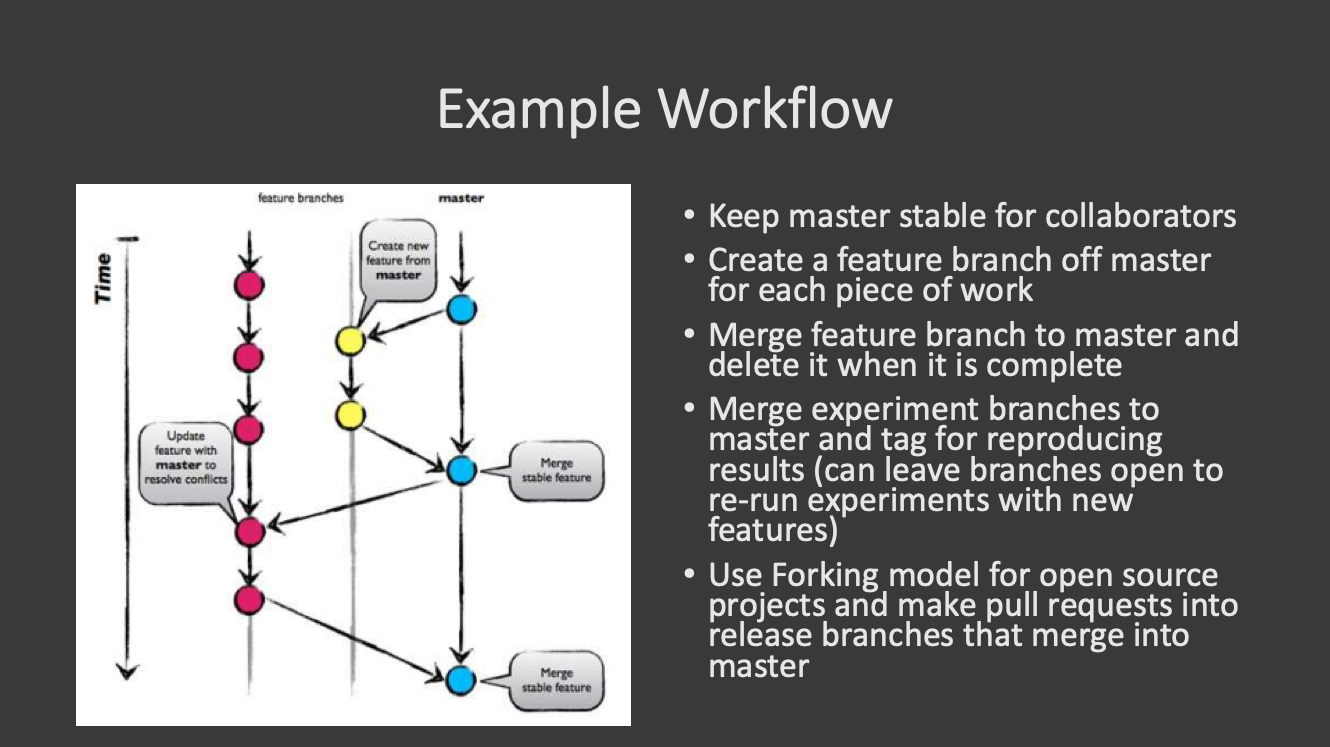
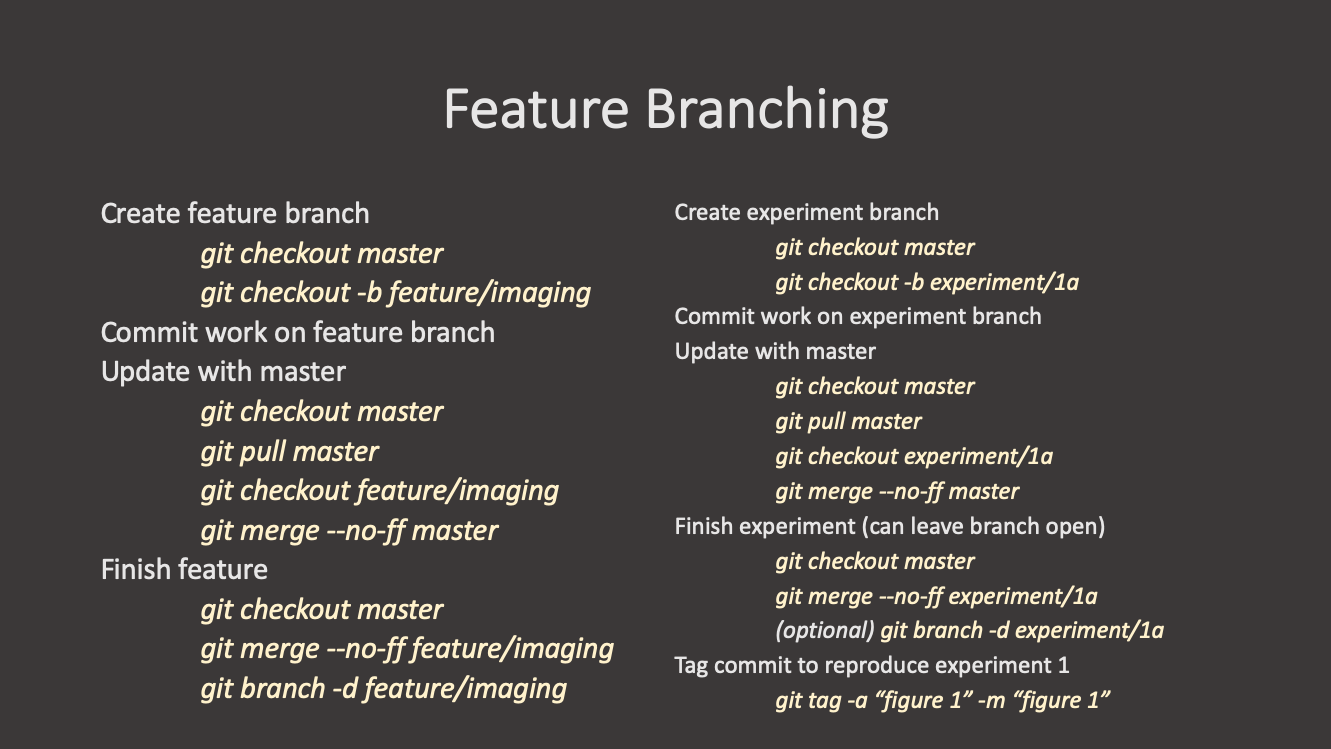
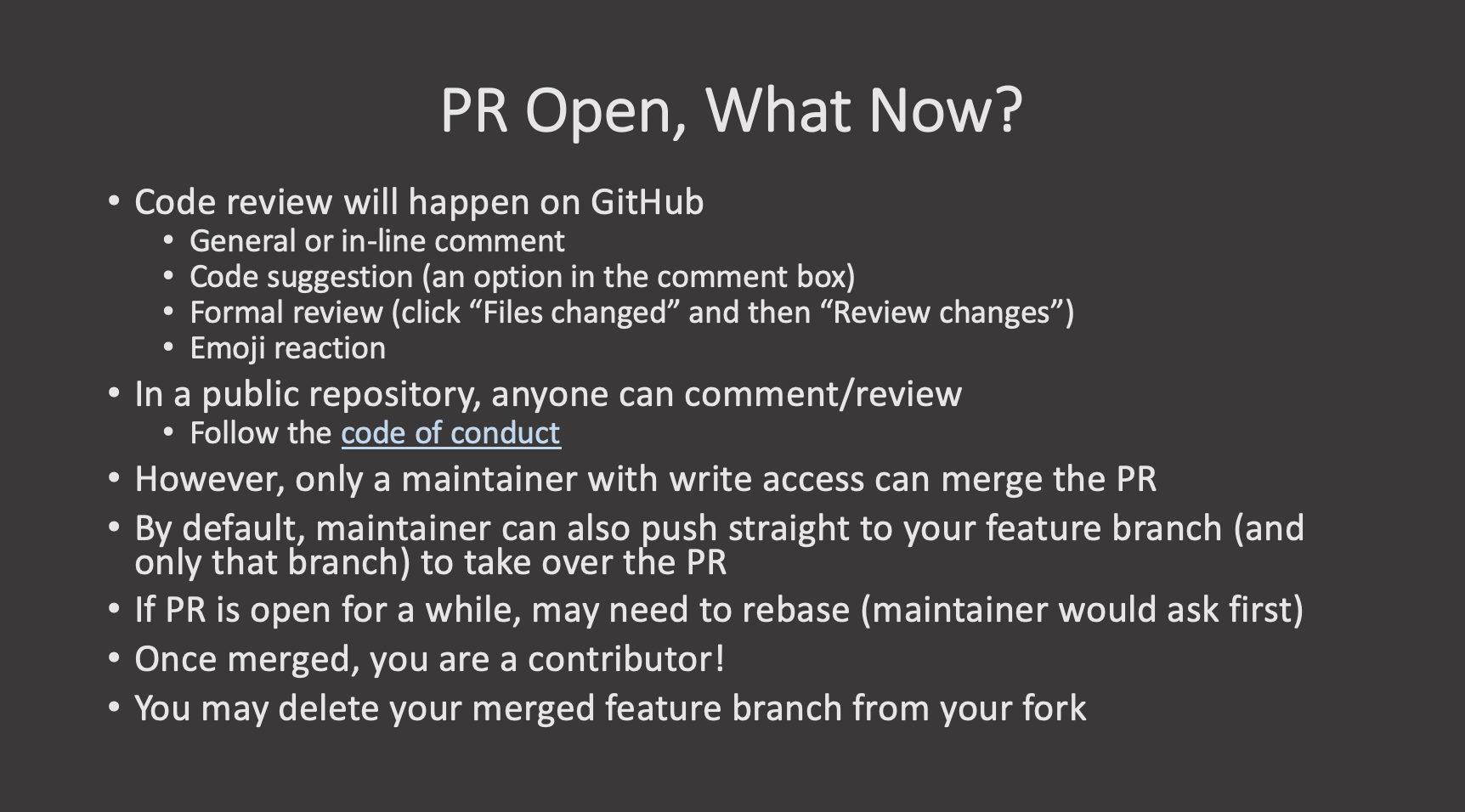
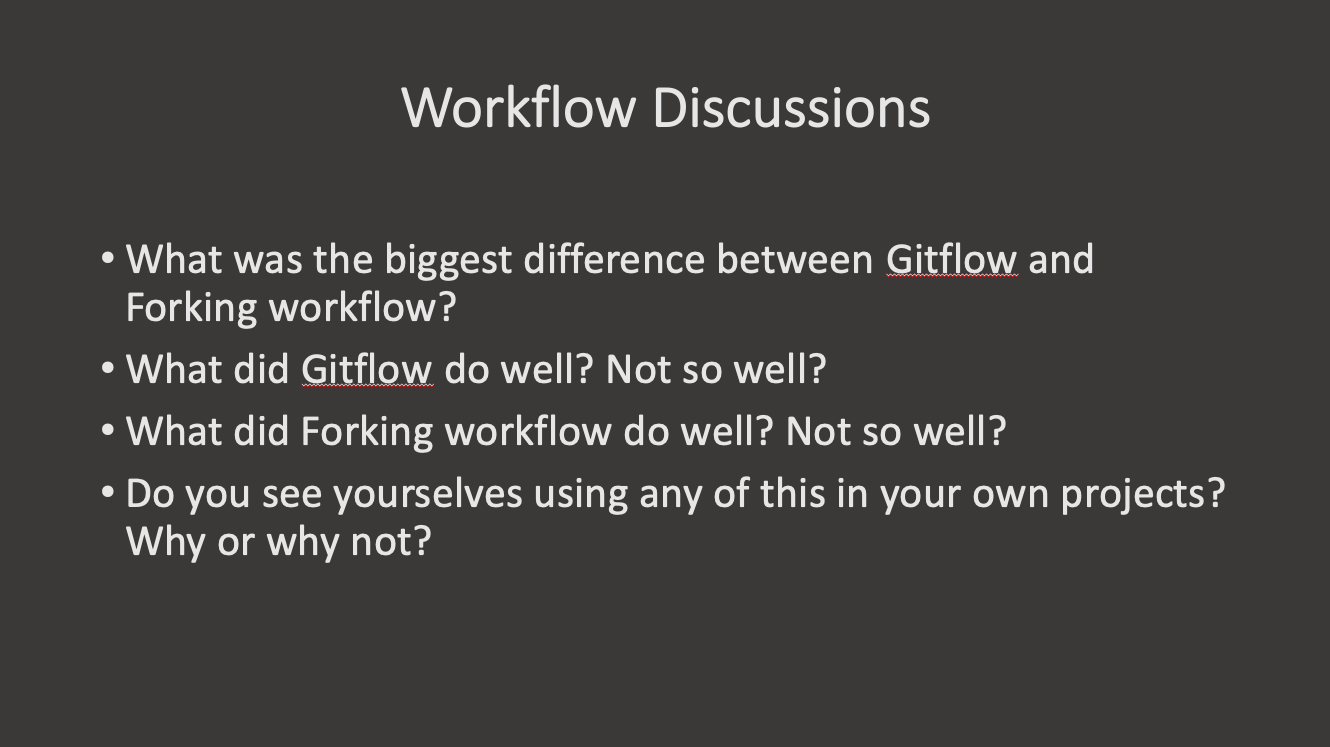 ::::::::::::::::::::::::::::::::::::::::
keypoints
::::::::::::::::::::::::::::::::::::::::
keypoints
Large Files
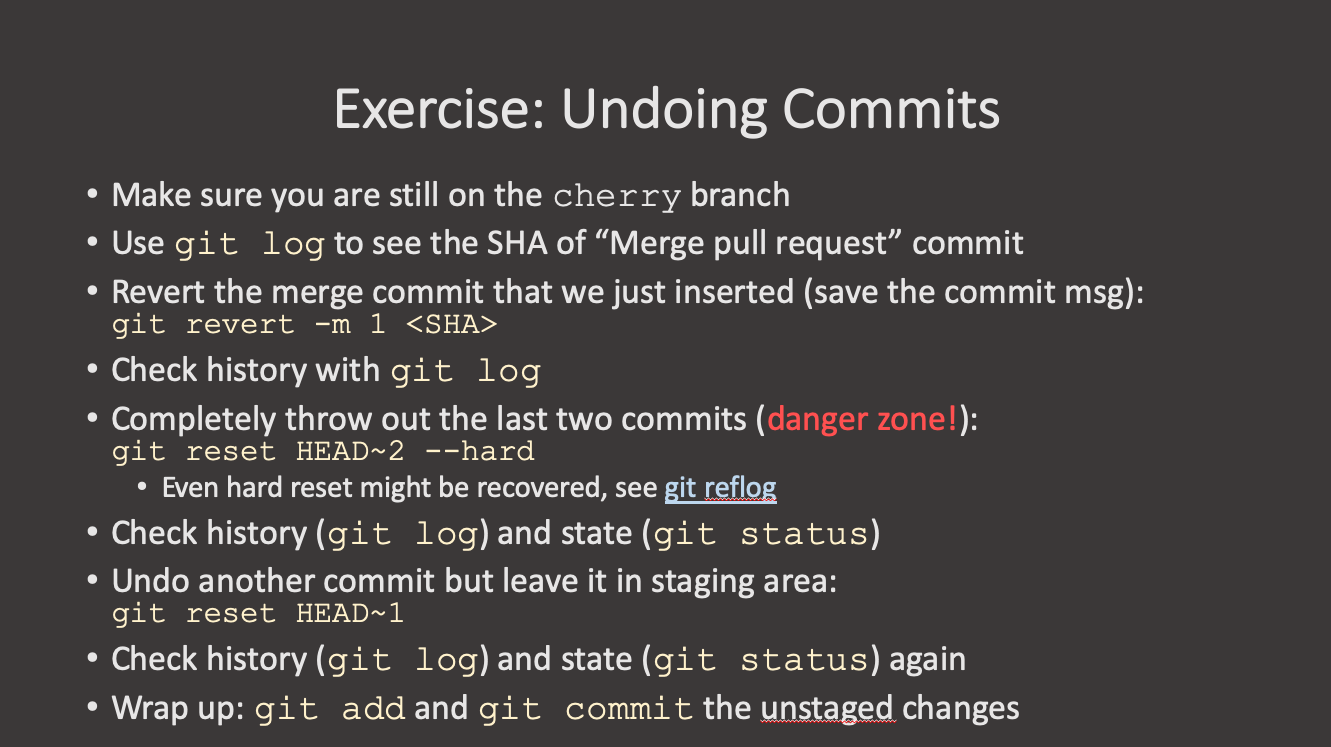
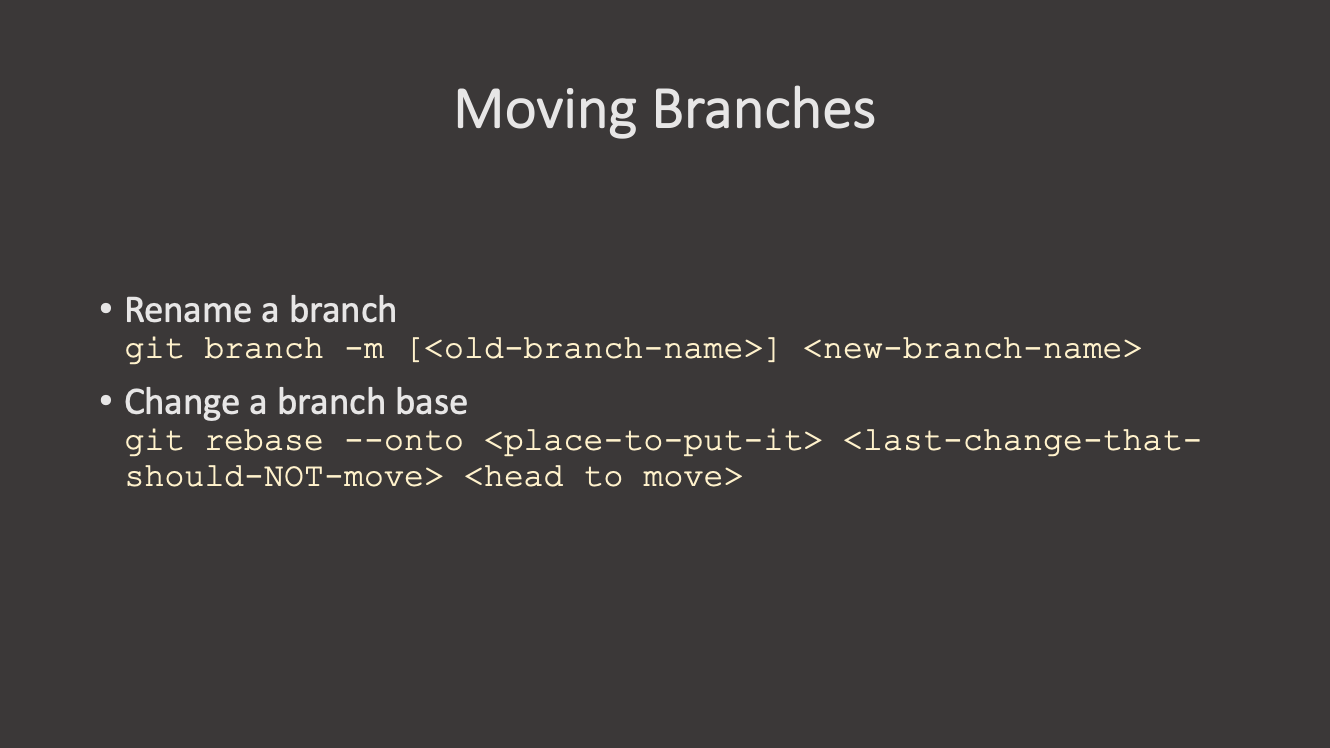
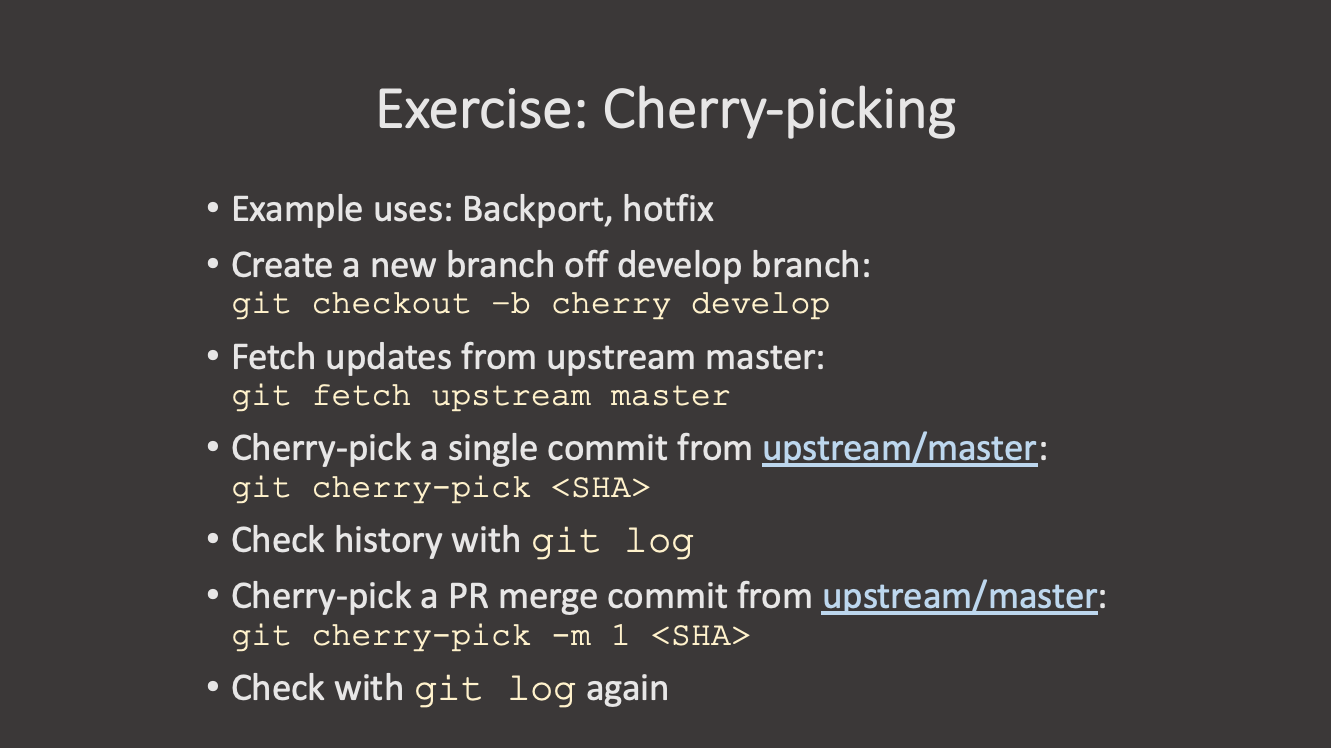
Undo, Move, cherry-pickWhat is a cherry-pick?
Figure 1
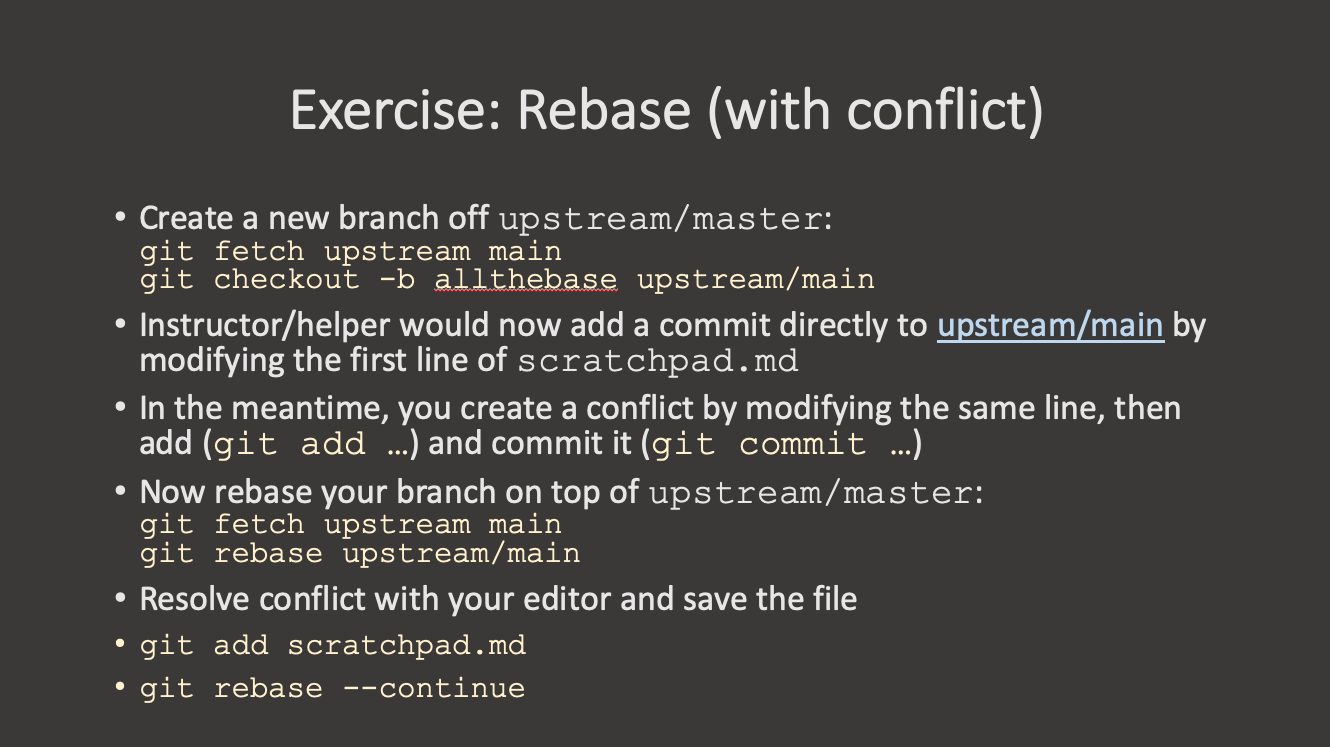
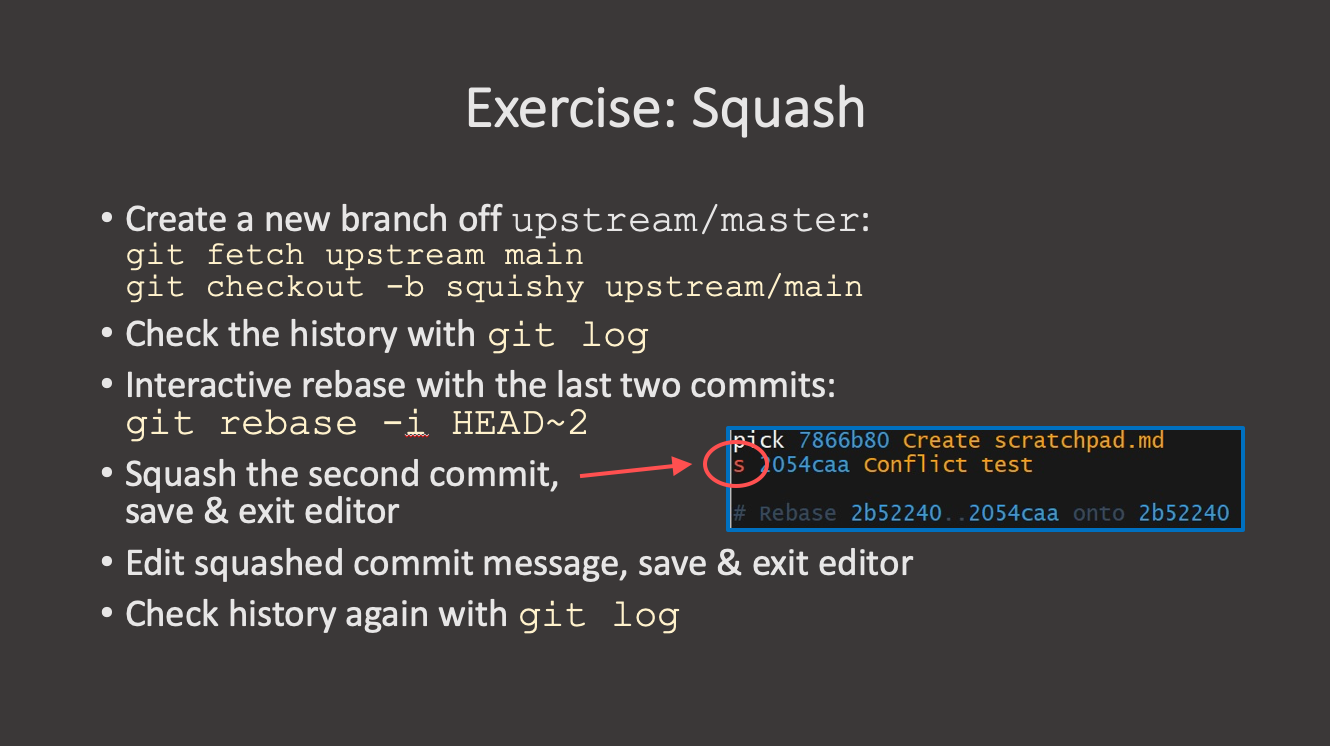
Interactive Rebase and Squash
Figure 1
Hooks
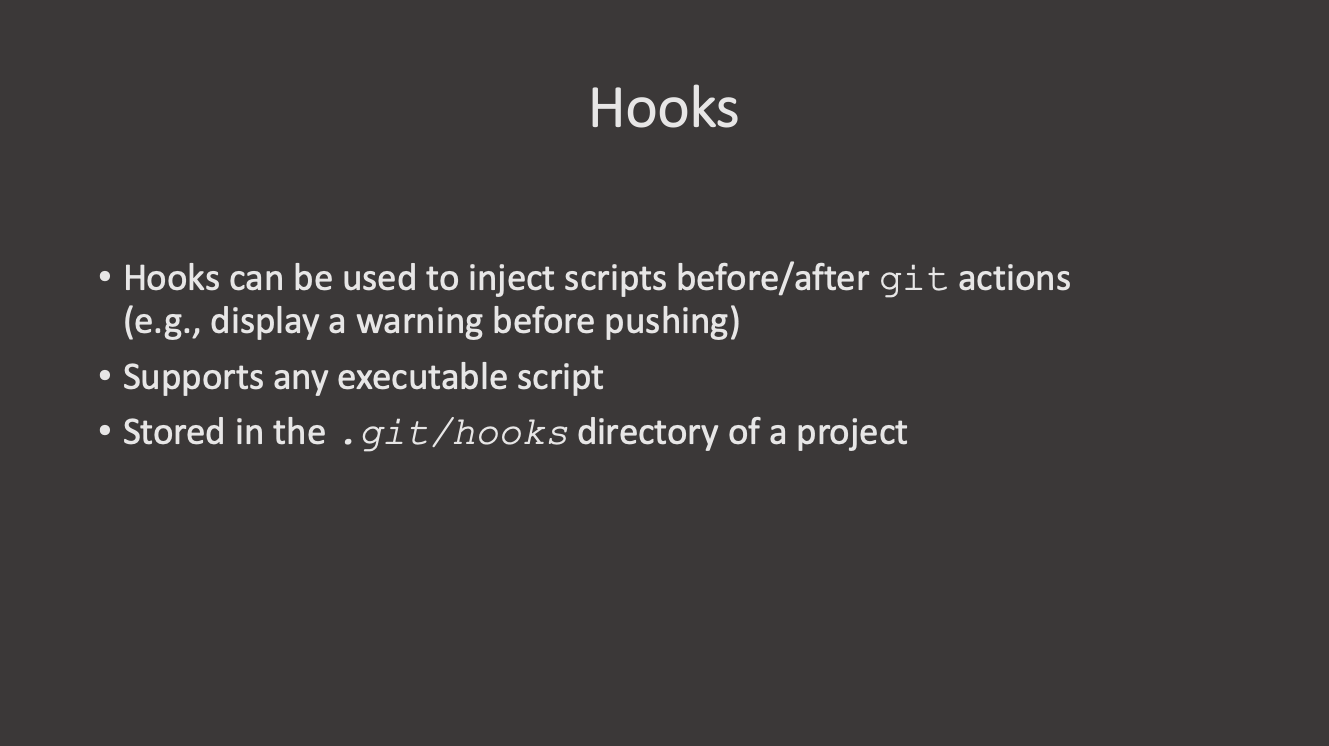
Figure 1
GitFlow 1
Setting up the Command Prompt
Additional Resources
Figure 1