Webinterface
First login
After the services start you can reach the web frontend via:
- Default during installation:
http://<monitoring-server>:8080
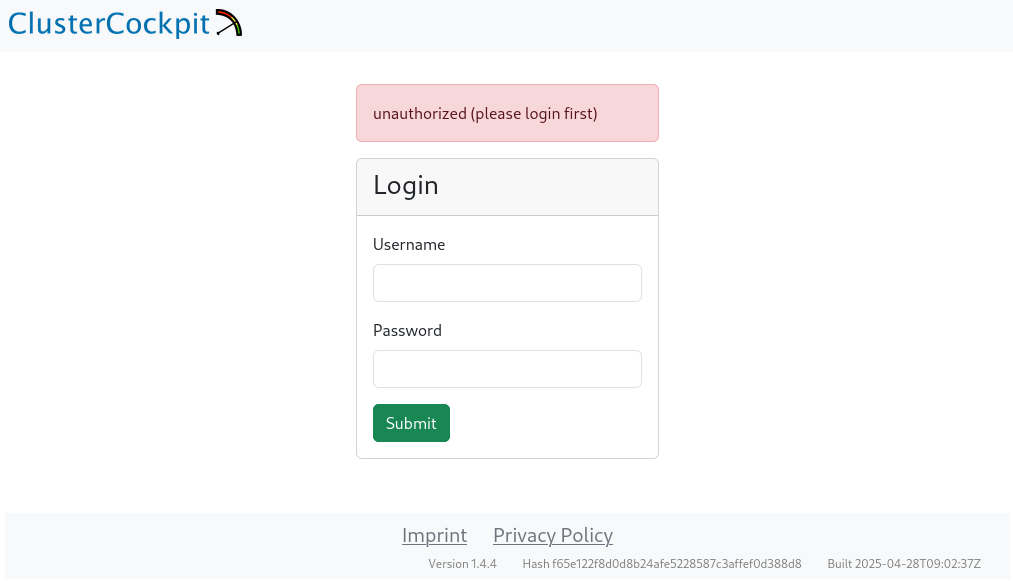
The credentials for the initial login were generated during the installation (username admin, password in admin_password.txt inside the installation directory).
Note:
The password cannot be changed through the web UI afterwards.
Login screen:
Overview: web interface after first login
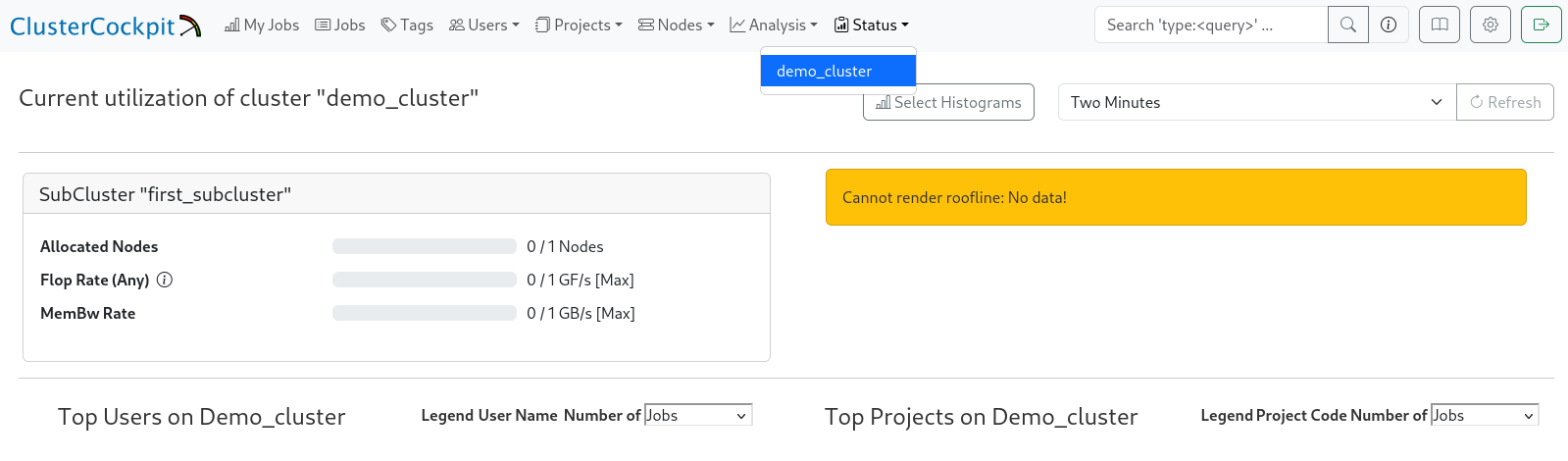
Once you log in successfully the navigation bar appears at the top.
The cluster (demo_cluster) shows up under “Status” as long as cluster.json exists and is valid.
Cluster view ("Status" → "demo_cluster"):
Typical issues and hints
- No navigation bar after the login
Make sure cluster.json exists in the correct directory and is valid (syntax errors, invalid JSON). The UI cannot load properly if the file is missing/broken. The cluster name also needs to match name in the job archive cluster.json.
- Error “service unavailable”
Check the service status (systemctl status ...), verify firewall rules, and ensure that ports 8080/443 are open.
After this initial login and smoke test you can continue with the configuration, e.g. add subclusters, metrics, and set up the collectors.